Google Stitch Helped Me Redo My Website in Hours
Holy smokes.

I’m a bit of a lurker when it comes to Google Labs. I occasionally peruse the site just to see what kind of wild experiments they have cooking in the kitchen. Usually, it’s where their craziest ideas live—half-baked but fascinating—before they ever get pushed to the public.
Recently, I stumbled across a new tool called Stitch.
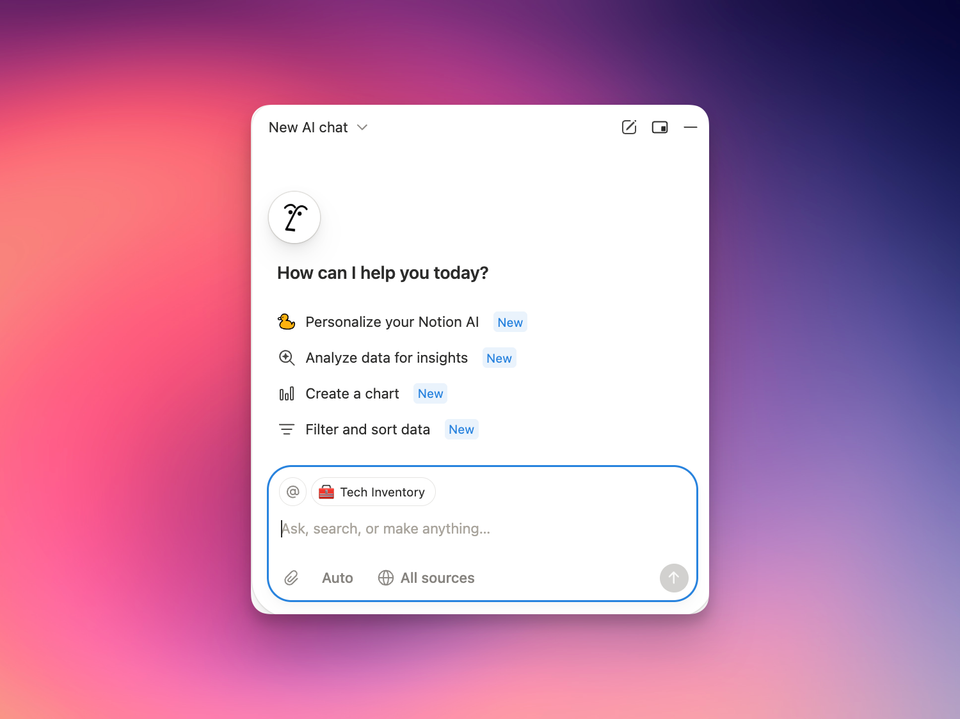
At first glance, it looks like your typical AI-supported application: just a simple text box. But when you type something into that box, you aren’t just getting text back. You’re taken into a full-blown interface that looks suspiciously like Figma.
And that is where the magic starts.
The "Non-Designer" Problem
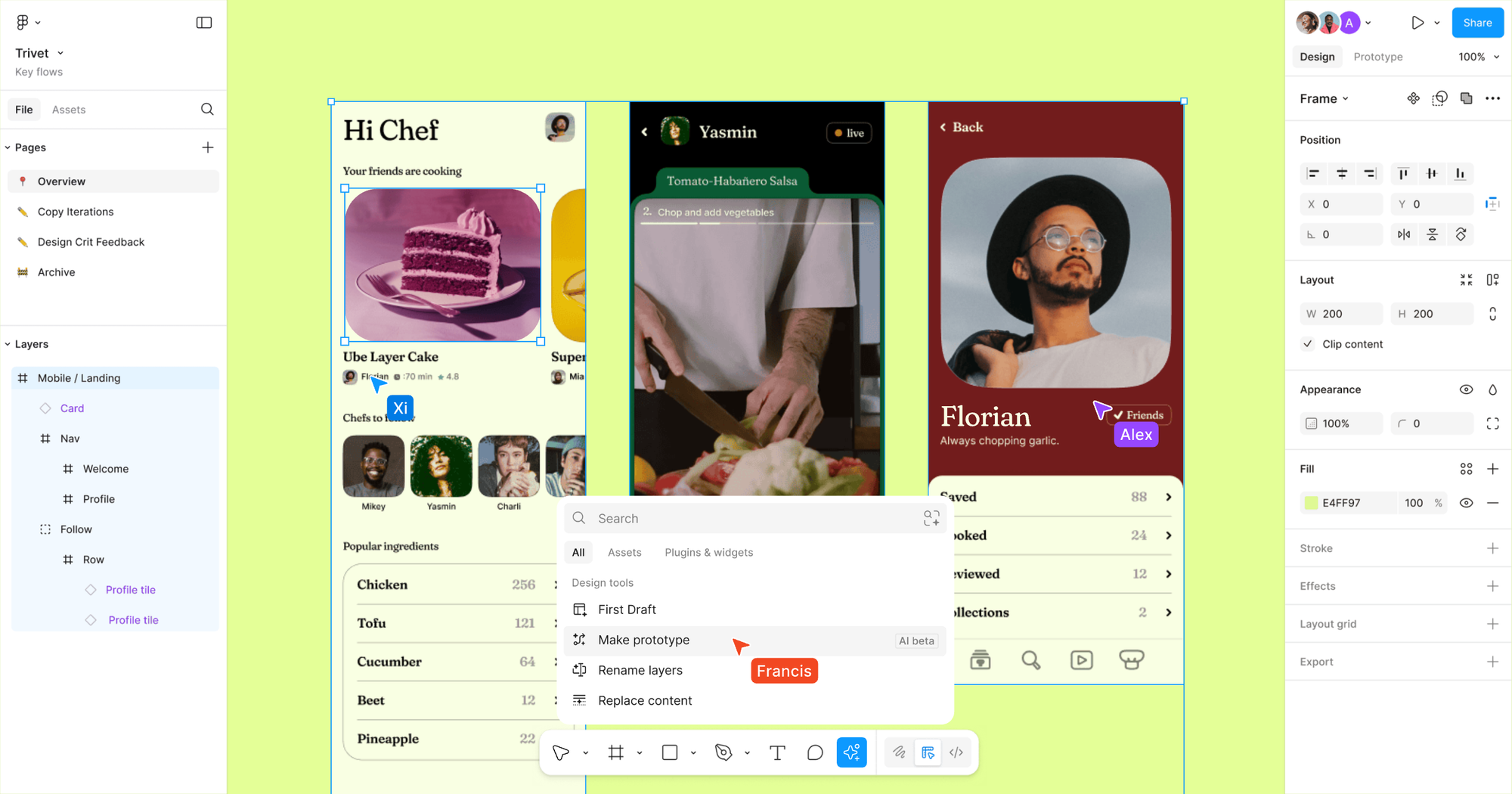
I’ve used Figma before. Many of us have. It is the industry standard for mocking up wireframes and designing what you want apps and websites to look like.
But to me? Figma has always been daunting.
I am not a designer. I don’t know how to stare at a blank white canvas and just... create something. I don’t understand grid systems or color theory intuitively. So, I never really used it unless someone at work specifically asked me to provide feedback on something they created.
I had "Blank Canvas Syndrome." I knew what I wanted my website to feel like, but I had no idea how to make it look like that.
Enter Google Stitch
Here is where Stitch changes the game.
Instead of forcing you to draw boxes and select fonts manually, Stitch just asks you: "What do you want to see?"
For my website, I had a clear vision. I’ve browsed thousands of blogs. I know I love the clean, productivity-focused aesthetic of guys like Ali Abdaal. I’ve always dreamed of having a site that looked that sharp, but I didn’t have the time to learn how to customize complex Ghost themes from scratch.
So, I treated Stitch like a junior designer. I asked it to create examples of home pages for my blog, feeding it inspiration and describing the specific "Ali Abdaal" vibe I was chasing.
And it just... did it. It generated layouts that I could actually see, critique, and iterate on.
The Workflow: Stitch + Antigravity
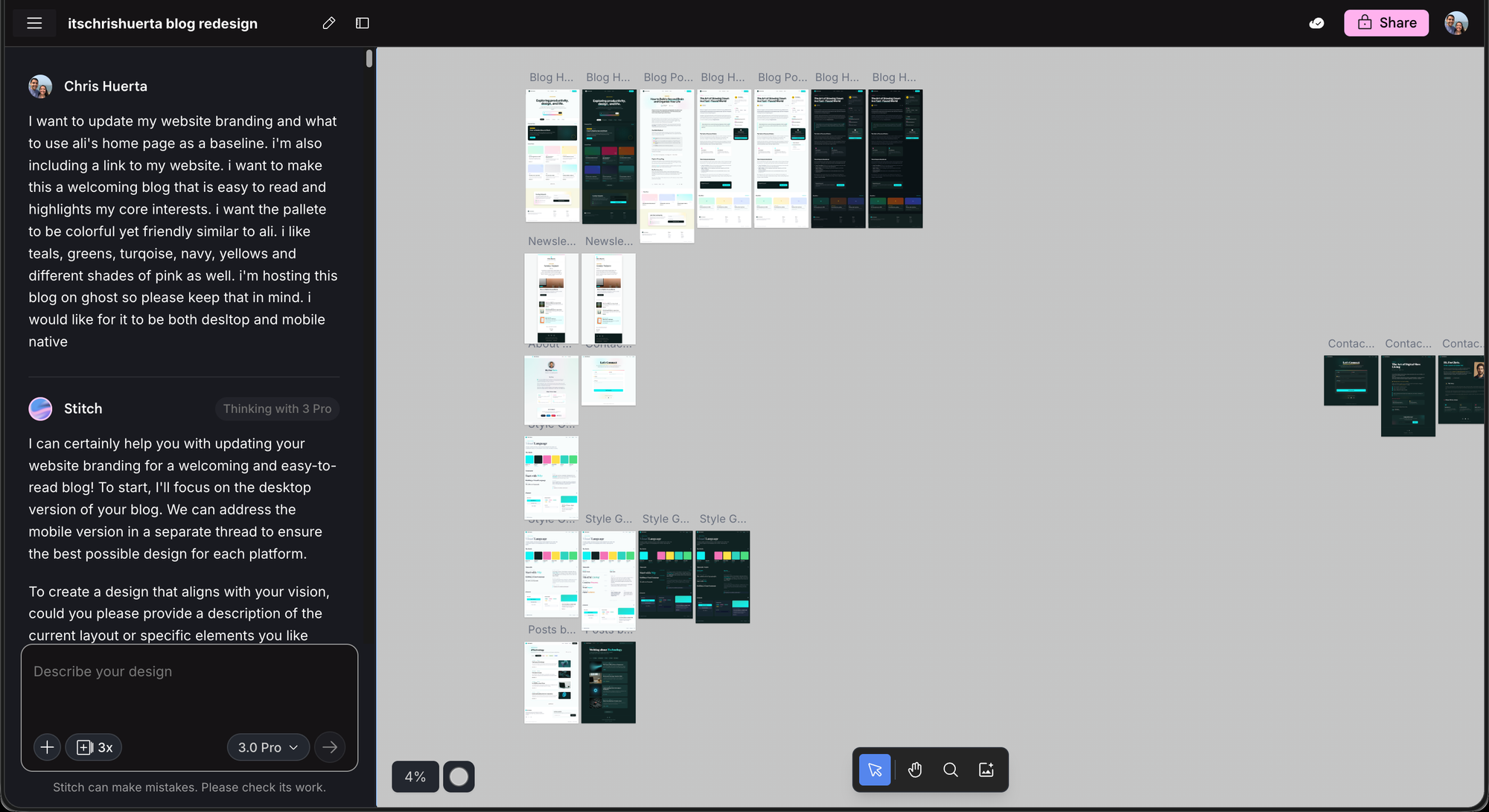
Finding the design was only step one. The real power came from combining Stitch with another tool called Antigravity.
- Stitch let me visualize the "What" (the look and feel).
- Antigravity handled the "How" (the code).
With Antigravity, I was able to take those visual assets from Stitch and turn them into actual, deployable code to run on my website. It even held my hand through the process of running Docker containers to get everything live.
For a guy who isn't a native coder or designer, this pipeline didn't just save me time—it unlocked a capability I didn't think I had.
Deep Dive: What Actually Is Google Stitch?
Note: If you’re curious about the technical specs, here is why this tool is actually critical for workflows like mine.
Google Stitch is an experimental AI-powered design tool from Google Labs that turns natural language descriptions or simple visual inputs into polished user interface designs and exportable front-end code.
Instead of sketching wireframes in one place and building UI in another, you type what you want, and Stitch delivers layouts you can refine or export straight into tools like Figma or as clean HTML/CSS. That means you spend less time wrestling with blank canvases and more time shaping your vision.
Why It Was Essential for My Redesign
Before I discovered Stitch, the very idea of redesigning three different blogs and drafting a landing page felt impossible. Reading raw HTML and CSS code gives me a headache, and manually crafting layouts from scratch would have taken weeks.
Without Stitch, I honestly don’t think I could have taken on this project at all. Instead of being buried in code and layout minutiae, I could describe the structure and feel I wanted for each page and watch Stitch turn those ideas into real designs I could fine-tune and launch.
From Idea to Pages in Minutes
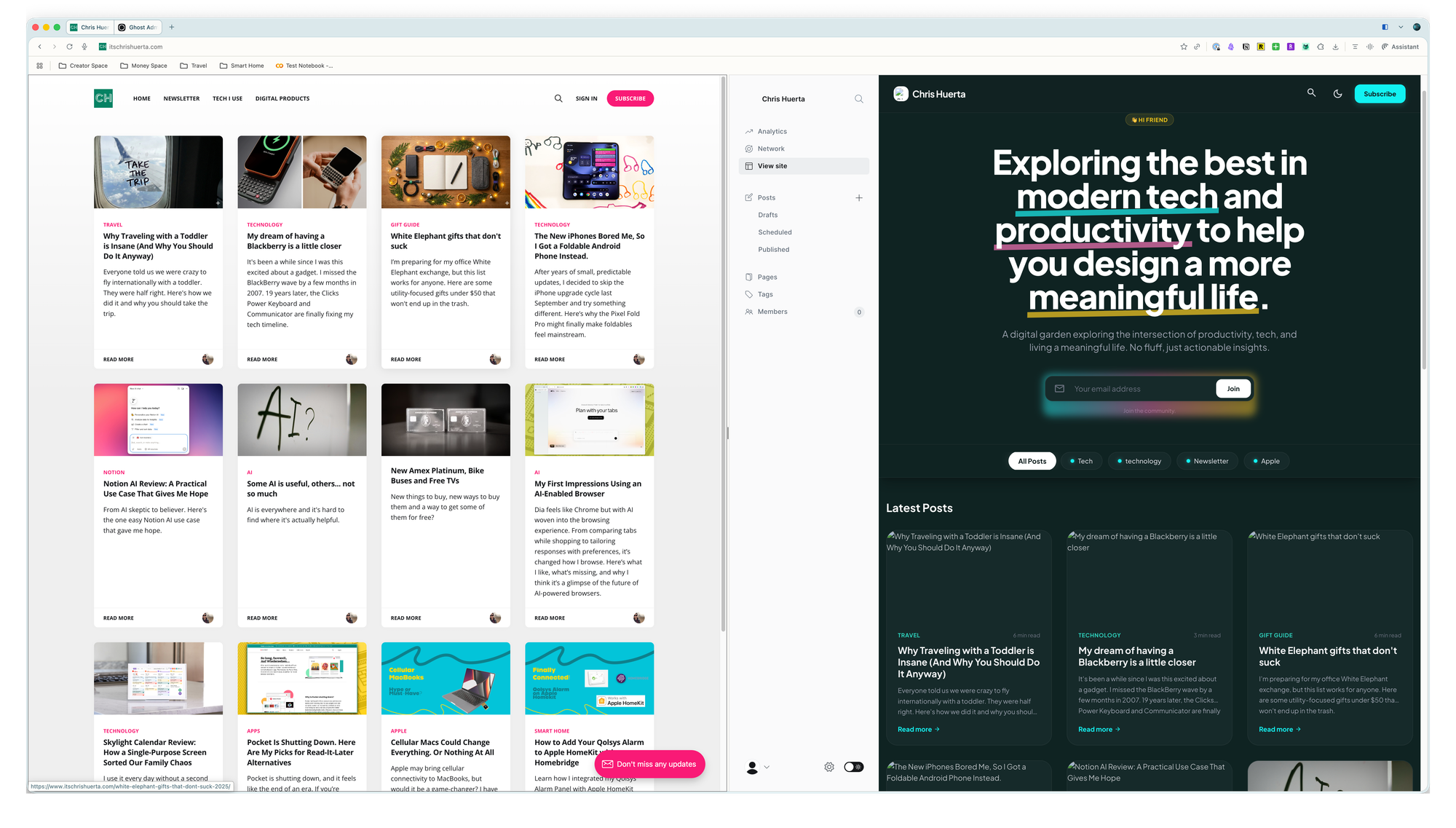
Once I fed Stitch clear goals for each blog layout and the landing page, I was able to:
- Quickly compare different design options.
- Tweak elements with simple follow-up prompts.
- Export usable code for the final polish.
This speed and clarity let me focus on what I actually care about—the content strategy and the user experience—instead of spending late nights wrestling with front-end code.
If you’re a creator who has been putting off a website update because you "aren't a designer," go check out Google Labs. You might be surprised at what you can build when you don't have to start from scratch.